AI-Generated Cover Letter Risks and Fixes
ResumizeAI
Using AI to write cover letters can save time — but it can also introduce hidden risks that hurt your job search. This guide explains the most common pitfalls of AI generated cover letters, shows real examples of what can go wrong, and gives you concrete steps to fix and safely use AI tools. If you want to avoid mismatch, hallucinations, bias, and ATS rejection while keeping productivity gains, read on for practical checks, editing templates, and smart workflows.
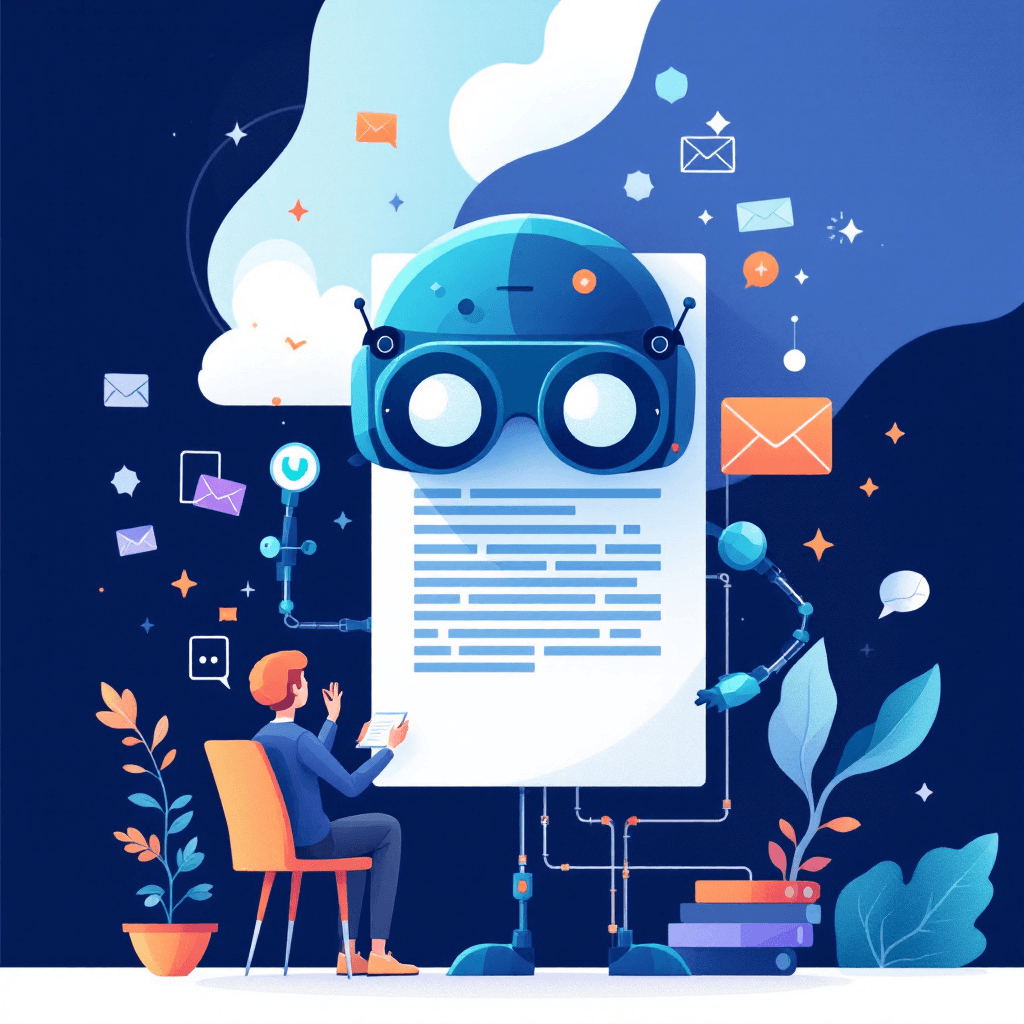
Imagine you used an AI tool to generate a cover letter and landed three interviews in a week. Sounds great — until, in the third interview, the hiring manager asks about an accomplishment the AI invented. Or worse: your résumé and cover letter contradict each other, triggering an ATS fail or a recruiter’s red flag. AI-generated cover letters are tempting — they’re fast, polished, and often compelling — but they come with real risks. From factual “hallucinations” and tone mismatches to bias amplification and privacy leaks, these issues can quietly sabotage your job search. In this article you’ll learn the most important AI generated cover letters risks, see real-world examples and case studies, and get specific, actionable steps to safely incorporate AI into your application process. Whether you’re a career changer, mid-level professional, or executive, this guide will help you master a strategic, low-risk workflow that leverages AI’s strengths while protecting your credibility and privacy.
Does this application actually need a letter?
Tick what is true. Any single one of these means write it.
None of these true? Skip the letter. Spend the hour on the resume instead, which every application reads.
Free · No signup · Your score in about 15 seconds
Why job seekers use AI for cover letters — and where it breaks down
AI tools promise speed, variety, and professional language. Many job seekers use AI to jumpstart cover letters, adapt templates to specific jobs, or overcome writer’s block. That’s smart — until the automated output introduces risks you don’t see at first glance. Key breakdown points to watch for:
- Accuracy and hallucinations: AI can invent accomplishments, dates, or even employers. A candidate once received an interview request based on a line claiming they "led a 20-person cross-functional team" — a project they never actually led. That led to embarrassment and a lost offer.
- Tone and authenticity mismatch: AI often produces general, corporate-sounding language that feels generic. If your interview panel expects passion and domain-specific insight, a polished but bland letter harms rather than helps.
- Resume-cover letter inconsistency: AI may rewrite responsibilities or metrics differently across documents, creating contradictions recruiters flag.
- Legal and privacy risks: Pasting proprietary job descriptions, non-public project details, or competitor names into AI prompts can leak sensitive information if the tool stores or trains on that data.
Actionable checks:
- 1Always verify factual claims: cross-check years, project sizes, and metrics.
- 2Maintain consistent phrasing: copy and paste exact job titles and company names from your resume to the cover letter.
- 3Use privacy-safe prompts: anonymize internal details and avoid pasting confidential text.
These precautions let you keep AI’s speed while lowering the chance that an eager shortcut becomes a career setback.
Common AI generated cover letters risks and how to detect them
Here’s a breakdown of the most common risks and specific detection methods you can use immediately.
Risk: Hallucinations (fabricated facts)
- How it looks: Specific achievements, awards, or client names you never had.
- How to detect: Search your document for numbers or proper nouns that feel "too good." Run a factual cross-check against your LinkedIn and resume.
Risk: Generic or mismatched tone
- How it looks: Overused phrases like "results-driven" or "passionate about leveraging synergies."
- How to detect: Read aloud. If the voice doesn’t sound like you, it’s a red flag.
Risk: ATS incompatibility
- How it looks: Overly clever formats, long paragraphs, or keyword stuffing that confuses parsing.
- How to detect: Use an ATS preview tool or paste into a plain-text editor to see what gets stripped.
Risk: Bias amplification
- How it looks: Language that minimizes leadership or exaggerates subservience, often aligned with demographic cues.
- How to detect: Ask a trusted mentor to review for language that sounds tentative or overly assertive.
Risk: Privacy and IP leaks
- How it looks: Sharing confidential project details or proprietary code snippets in prompts.
- How to detect: Keep a running list of redacted terms you never include in prompts; treat every prompt like an email to a stranger.
Practical detection checklist (use these before you hit send):
- 1Fact-check: Verify every metric, title, and date.
- 2Voice audit: Replace 30% of AI-suggested phrases with your own wording.
- 3ATS test: Convert to plain text; ensure core keywords remain.
- 4Privacy scrub: Remove client/company names and sensitive data from prompts.
Doing these four checks removes most common AI-generated cover letter risks and ensures the content truly represents you.
Real-world case studies: When AI cover letters went wrong (and how they could’ve been fixed)
Case study 1 — The Invented Client
Scenario: A marketing manager used AI to generate examples and the tool invented a major client. The recruiter asked specifics in the phone screen; the candidate froze and lost credibility.
Fix: Before sending, the candidate should have run a quick "factual audit": highlight all client names and accomplishments and cross-check with project files or calendar invites. If the detail couldn’t be confirmed, rewrite to focus on measurable outcomes without naming clients.
Case study 2 — The Tone Mismatch
Scenario: An engineer used AI-generated text that sounded like a C-suite executive. The hiring manager said the letter didn’t match the technical depth of the resume.
Fix: Use AI to draft a skeleton but insert three technical specifics from your projects (technologies, scale, outcome). Ask AI to maintain an "engineer" voice: concise, technical, and outcome-focused.
Case study 3 — The Privacy Leak
Scenario: A product manager pasted a confidential roadmap into a prompt to make a targeted letter. Weeks later, similar phrasing appeared in public examples from the AI provider.
Fix: Never paste confidential roadmaps or non-public content into external AI services. Instead, summarize confidential content in neutral language: "led a new product line to 30% growth" without naming internal project codes.
Key lessons from these cases:
- Replace specifics that you cannot prove with verifiable metrics.
- Add domain language to make the voice authentic.
- Treat AI prompts like public communications — scrub confidential data.
These real-world stories show small checks prevent large career costs.
Step-by-step workflow to safely use AI for cover letters
Follow a proven workflow that keeps AI as your assistant rather than the author. This 7-step process reduces risk and saves time:
- 1Prepare a truth-first resume
- Action: Update your resume with accurate titles, dates, and metrics.
- Why: AI outputs are only as accurate as your inputs.
- 2Create a standardized prompt template
- Action: Use a prompt with: job title, company, 3 verified achievements (no confidential data), tone (e.g., "concise, technical"), and one unique hook.
- Example prompt: "Write a 4-paragraph cover letter for a Senior Data Engineer at X. Use achievements: reduced ETL time by 40%, led migration to cloud, mentored 5 junior engineers. Tone: confident, technical. Include one sentence explaining why I’m excited about X’s data platform."
- 3Generate one draft, then run a factual audit
- Action: Highlight any numbers, client names, or accomplishments the AI added. Cross-verify each with your sources.
- 4Perform a voice edit
- Action: Replace at least 30% of the AI-generated wording with your language. Add industry jargon and a personal anecdote.
- 5ATS and formatting check
- Action: Paste into plain text and confirm keywords survive. Keep sections short and scannable.
- 6Peer review
- Action: Share with a mentor or use a resume coach (for example, Resumize.ai offers guidance on alignment between resume and cover letter). Ask reviewers to flag inconsistencies.
- 7Final privacy scrub and send
- Action: Remove any internal project names or sensitive client details. Save a copy of the prompts you used — note what you redacted.
Following this workflow turns AI into a time-saving tool and significantly reduces the common risks of AI generated cover letters.
Practical editing templates and phrases to fix AI mistakes
Below are practical replacements and quick edits you can apply to common AI errors.
Fix: Hallucinated achievements
- Problem: "Spearheaded a $2M initiative"
- Edit: Replace with a verifiable metric: "Contributed to cost-saving initiatives that reduced annual expenditure by $200K" or use qualitative phrasing: "helped improve operational efficiency across the team."
Fix: Generic phrases
- Problem: "Results-driven professional"
- Edit: Replace with a concrete example: "Delivered a 35% improvement in conversion by redesigning the onboarding funnel."
Fix: Tone mismatch
- Problem: Overly formal or corporate tone
- Edit: Add a 2-sentence personal hook: "I build data pipelines because I enjoy turning messy logs into clear business signals. At my last role, that meant..."
Fix: ATS keyword gaps
- Action: Identify 5 keywords from the job description and ensure they appear naturally. Use exact phrases when possible: "ETL pipelines," "Spark," "stakeholder management."
Quick editing checklist (10 minutes):
- 1Remove at least two AI-sounding adjectives.
- 2Confirm every number is verifiable.
- 3Add one personal sentence that references a real challenge or result.
- 4Check for consistent job titles and dates.
These micro-edits take minutes and transform an AI draft into a credible, job-specific, and ATS-friendly cover letter.
Ethical and legal considerations: what you must avoid
AI introduces not just practical risks, but also ethical and legal ones. Be sure you understand and avoid the following:
- Intellectual property misuse: Don’t paste proprietary source code, confidential product specs, or non-public contracts into public AI prompts.
- Misrepresentation: Avoid exaggerating responsibilities or inventing roles. Some jurisdictions treat misrepresentation in job applications seriously and can be cause for termination if discovered later.
- Bias perpetuation: AI models may reflect societal biases. If a draft minimizes your leadership role or uses gendered language, edit it out and use neutral, competency-focused phrasing.
Practical safeguards:
- 1Redact client/company names and use neutral descriptors ("major retailer") when needed.
- 2Keep a written log of edits and confirmations for key claims (helpful if an employer follows up).
- 3Use enterprise-grade AI tools with clear privacy policies for sensitive work; otherwise, avoid pasting confidential information.
By observing these ethical guardrails, you protect your reputation and reduce legal exposure while still benefiting from AI’s drafting power.
Key Takeaways
- 1Always fact-check AI-generated claims—verify every number, title, and date against your resume and records.
- 2Use a standardized, privacy-safe prompt template: include only verifiable achievements and avoid confidential details.
- 3Perform a voice edit: replace at least 30% of AI wording with your own phrasing and add one personal anecdote.
- 4Run an ATS compatibility test by copying your cover letter to plain text and ensuring keywords remain intact.
- 5Keep an audit trail: save prompts, redactions, and peer-review notes to defend claims if needed.
- 6Avoid pasting proprietary or confidential information into public AI tools; summarize instead using neutral language.
- 7Use tools like Resumize.ai for expert alignment and feedback to ensure resume and cover letter consistency.
Conclusion
AI generated cover letters risks are real but manageable. You don’t need to abandon AI — you need a safer, strategic workflow. Verify facts, preserve your authentic voice, scrub confidential data, and test for ATS compatibility. When used correctly, AI speeds the drafting process and helps you apply more often with higher quality. If you want expert alignment between your resume and cover letter, consider Resumize.ai — it helps you spot inconsistencies, improve ATS match, and provides specialist guidance to transform AI drafts into interview-winning documents. Visit http://resumize.ai/ and start a safer, smarter job search today.
Frequently Asked Questions
Related Articles
Guide: Do Cover Letters Still Matter in 2025?
Think cover letters are dead? Think again. If you’re job hunting in 2025, knowing when and how to use a cover letter can be the difference between an interview and silence. This guide breaks down current hiring trends, shows real examples, and gives step-by-step templates and decision rules so you write powerful, targeted cover letters fast. Learn when to skip, when to customize, and how tools like Resumize.ai can speed up quality output — so you spend less time guessing and more time interviewing.
Essential Guide: Cover Letters Explaining Gaps (Proven Tips)
Worried a career gap will sink your application? You’re not alone. Many hiring managers expect gaps now—and the right cover letter can turn a perceived weakness into a credibility-building story. This guide gives proven, strategic templates, step-by-step wording, and real examples so you can explain gaps honestly and confidently. You’ll learn when to address a gap, what language to use, and how to spotlight transferable skills. Ready to transform your gap into a hiring advantage?
Cover Letter CTA Examples: Proven Phrases That Get Responses
Struggling to get responses after applying? Your cover letter's closing line—the call to action (CTA)—can make or break an employer's decision to reach out. This guide gives you proven cover letter CTA examples, explains when to use each one, and shows exact wording for different scenarios: entry-level, career change, executive roles, and tech positions. You'll walk away with ready-to-copy CTAs, templates to customize, and a quick checklist to test your closing. Want hiring managers to follow through? Read on for strategic, research-backed CTAs that convert.
Ready to Build Your Perfect Resume?
Put these insights into action with our AI-powered resume builder
Build my resume freeFree to start · No card · 5 credits the moment you sign up